

Product provided for testing. None of the links in this article are monetized.
To me, the second most important decision making criteria for docking stations is brand quality and reputation. And Mokin has become a brand I rely on. The most important criteria is functional fit, and if you’re looking for an affordable, well built docking station with multiple input types, the Mokin MOPU1201 is one you should research for your needs.
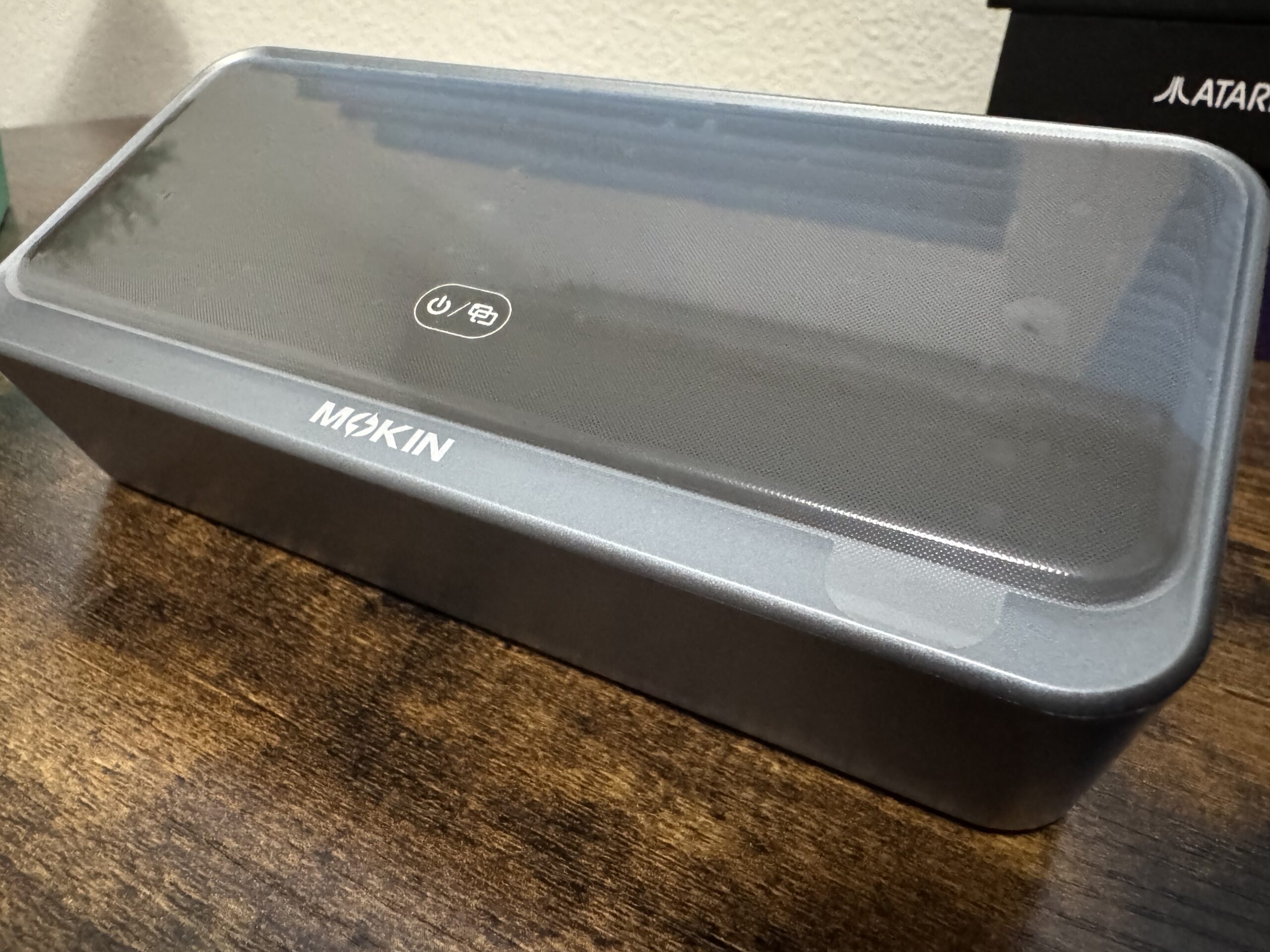
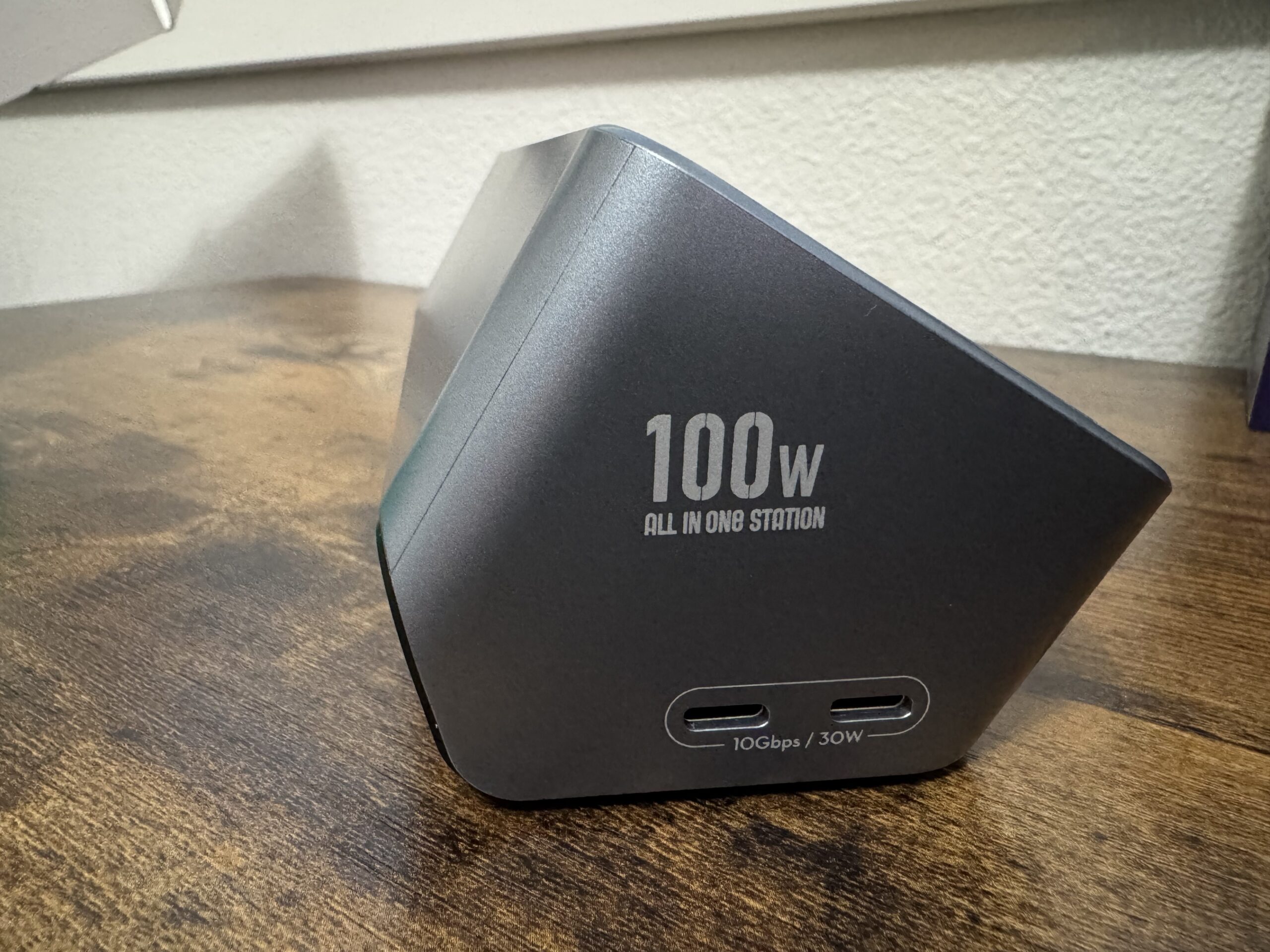
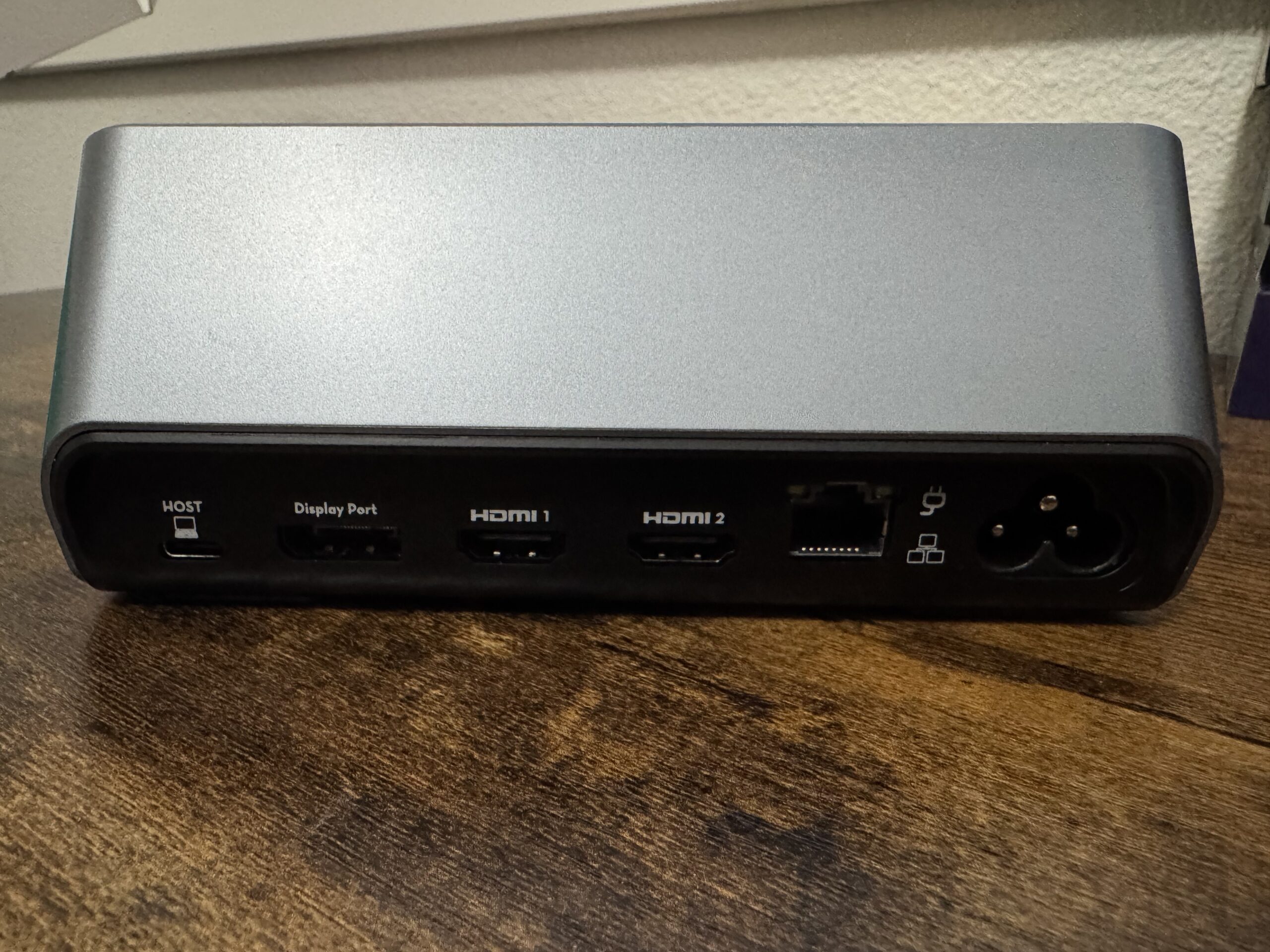
This is an 11-in-1 USB-C docking station built to drive up to three external monitors from a single cable. It also has a built-in 100W GaN power supply, so there’s no separate power brick to hide under your desk. You can connect up to 3 displays, charge your laptop, and use the super cool smart screen, in parallel.
Build and Design
The dock plugs straight into the wall with the included AC cable, because the GaN power supply is built into the unit. That means one less brick on your desk, and it’s the first thing I’d call a win. It delivers up to 100W to your laptop through the upstream USB-C port (70W when the downstream ports are fully loaded), plus a shared 30W of PD output from the two USB-C ports for a phone, tablet, or earbuds.
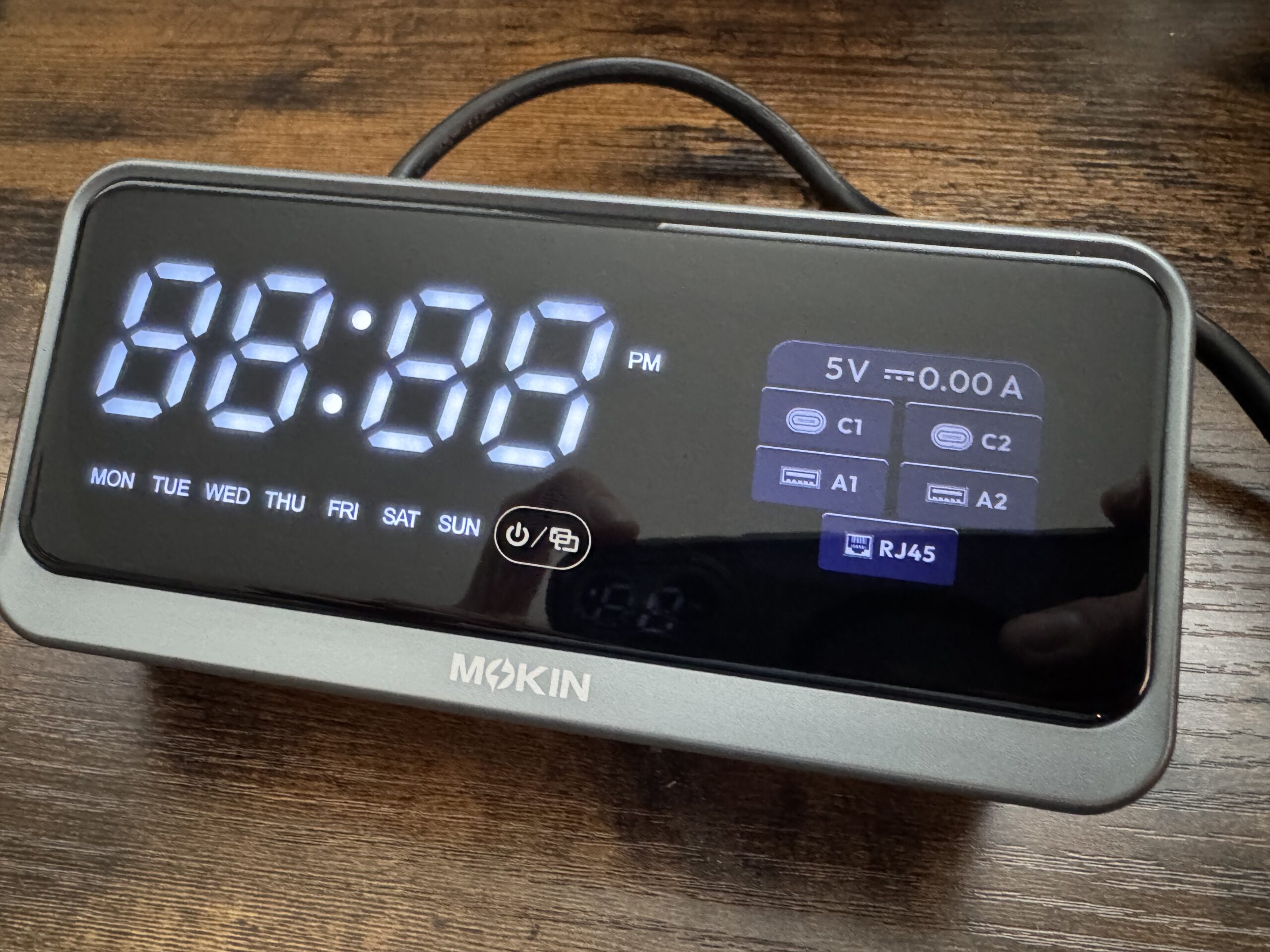
The smart display is super cool and unique. The built-in LED/LCD screen shows the time, date, local weather (synced over 2.4G WiFi), charging wattage, resolution, and port status in real time. It doubles as a desk clock, and it’s a handy way to confirm what’s actually being delivered to your laptop. A single touch button runs it: tap to wake or switch the UI, double-tap to turn the screen off, triple-tap to reset WiFi, and long-press for 3 seconds to power on or off.
Two HDMI ports and one DisplayPort let you extend or mirror three external monitors at 4K@60Hz/4K@30Hz, and the single DP output can go up to 4K@144Hz, 2K@240Hz, or even 8K@30Hz on hosts that support DSC. All outputs support HDR and HDCP 2.3. The dock also only works with laptops that have full-function USB-C ports.
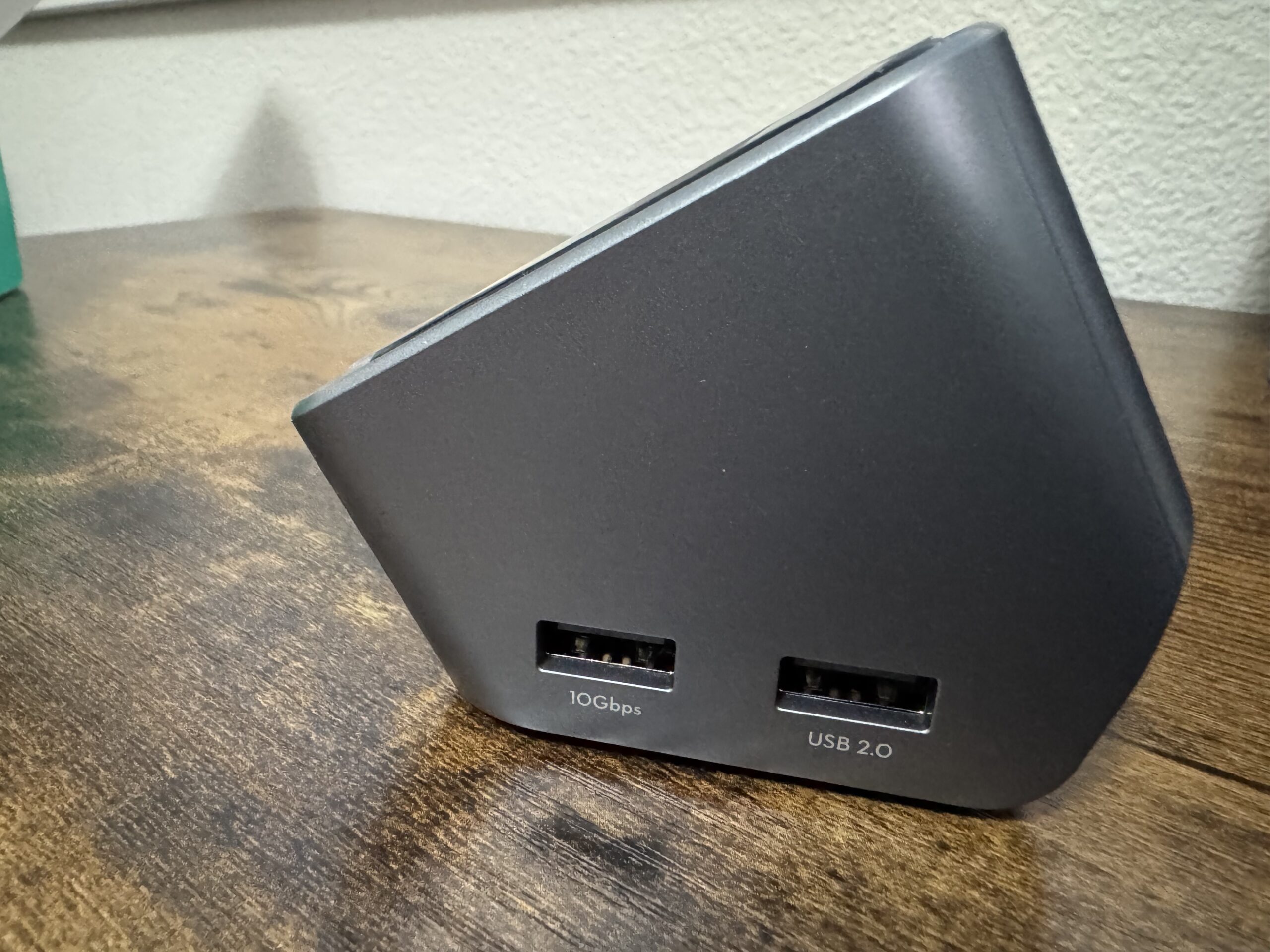
The 10Gbps USB ports are fast, and MOKiN says a 20GB file transfers in about 20 seconds.
Technical Specifications
- Upstream: USB-C, up to 100W PD in, 10Gbps
- Video outputs: 2× HDMI (4K@60Hz), 1× DisplayPort (up to 8K@30Hz on Windows hosts with DSC and DP1.4; 4K@144Hz or 2K@240Hz)
- Triple display: Windows only (4K@60Hz/4K@30Hz across HDMI1 + HDMI2 + DP)
- macOS: One extended display up to 4K@60Hz, plus mirror mode
- USB ports: 2× USB-C 3.1, 1× USB-A 3.1 (10Gbps), 1× USB-A 2.0
- Network: Gigabit RJ45 Ethernet
- Power: Built-in 100W GaN supply (AC 100-240V); 100W to the laptop (70W when fully loaded) + 30W shared PD from the two USB-C ports
- Display: LED/LCD smart screen with time, date, weather (2.4G WiFi), wattage, resolution, and port status; touch button control
- HDR/HDCP: All outputs support HDR and HDCP 2.3
- Compatibility: Thunderbolt 3/4/5, USB4, and full-function USB-C laptops (Windows 10+, macOS, Chrome OS, Linux)
- In the box: Dock, AC cable, USB-C to USB-C cable, user manual
WHO IS THIS FOR?
The 1201 is a strong pick for users who want three monitors, laptop charging, and a clean desk from one cable, with a smart screen as a bonus. It just adds a little style and flair to what can be a stale desk setup.