

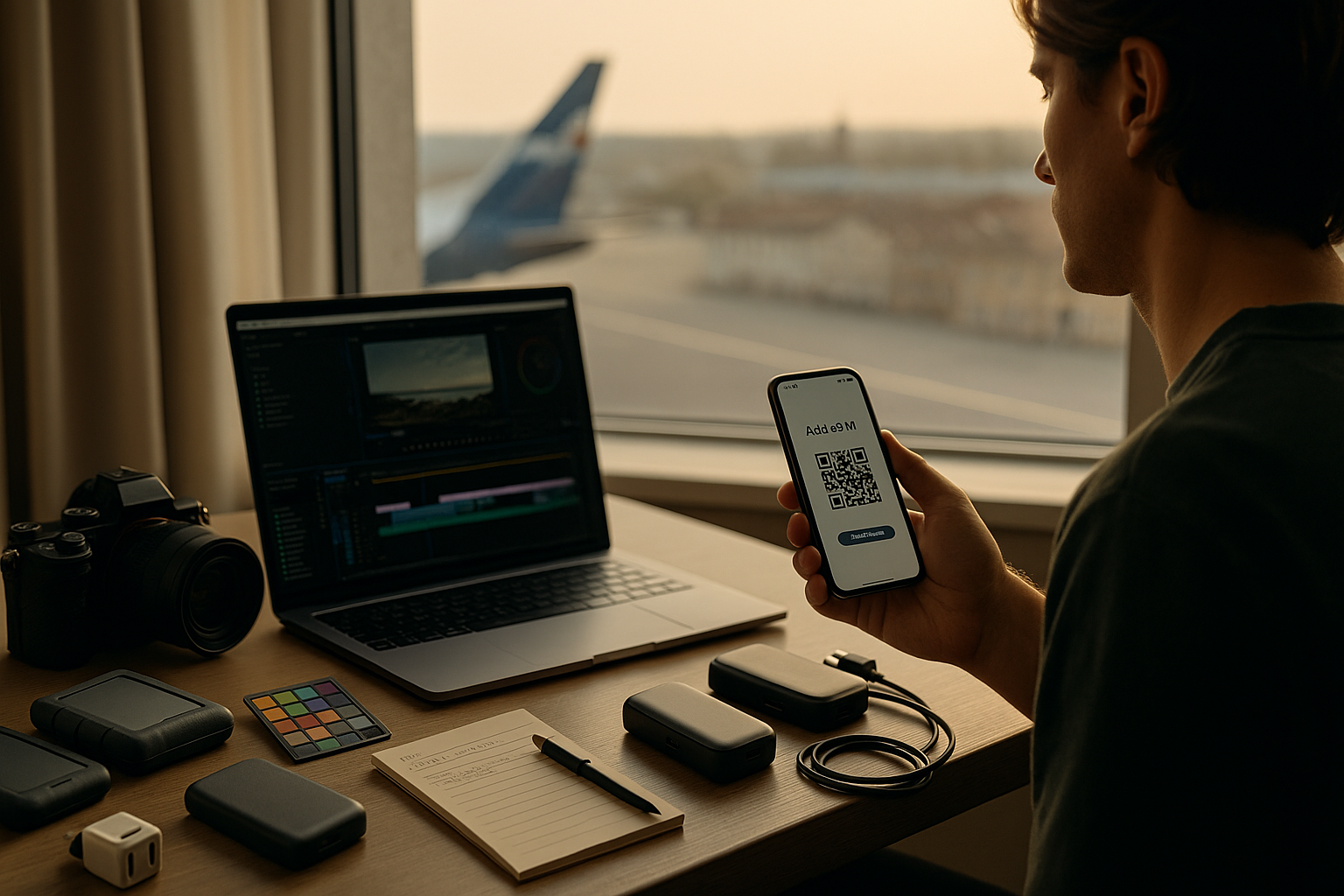
You’ve got a client call at YVR, golden hour in Reykjavík, and selects due before your redeye touches down in Toronto. Modern shoots live inside carry-ons and clouds. The trick isn’t packing more—it’s building a travel-proof pipeline: colour that holds up outside the studio, camera-to-cloud that doesn’t choke, and phone data that just works when you land.
Mobile Colour That Doesn’t Betray You
sRGB vs Display-P3 vs HDR (quick reality check)
- sRGB: safest for client devices; export web assets to sRGB to avoid dull/oversaturated surprises.
- Display-P3: gorgeous on recent Apple gear—but many Windows/Android screens still treat it like sRGB. Only deliver P3 if client is colour-managed.
- HDR: magical and dangerous. Unless the brief demands HDR, keep capture flexible but deliver SDR while travelling.
Field calibration & viewing discipline
- Use a pocket calibrator on your laptop once a month; on the road, run a “rough check” using known charts or your personal reference images.
- Kill ambient light when evaluating skin; if you can’t, use a hood or a jacket over the screen.
- Export “for-client” previews with a baked display LUT and watermarks; keep log/linear masters untouched.
Client Review Without Lag (or “Can You Make the Sky Bluer?”)
- Windows for feedback: Offer two daily slots in the client’s time zone (e.g., 10:00 and 16:00). Miss the window, notes roll to tomorrow—sanity preserved.
- Link hygiene: Watermark, set expiry, disable downloads unless approved. Provide one “hero” link per batch, not a chaos salad of URLs.
- Comment discipline: Ask for time-coded notes and one decision-maker. Capture calls for skin tone/brand colours with a quick LUT-on vs LUT-off split.
Connectivity in 3 Minutes (Skip the Kiosk)
Your phone is your release form signer, map, ride app, 2FA device, and emergency uplink. Get data working before take-off so you land connected.
Step-by-step
- Buy a travel esim for mexico online, receive a QR code, and activate it within minutes on your phone. With this option, you can skip searching for physical SIM cards after landing and stay connected the moment you arrive.
- On your phone: Settings → Cellular/Mobile → Add eSIM → scan → label it Trip Data.
- Set Trip Data as Mobile Data; keep your Canadian number for calls/SMS/2FA.
- Turn Data Roaming ON for Trip Data only. Test once at home, then toggle data off until landing.
Want a clear primer and activation in minutes? See Holafly’s website.
If data naps after touchdown: Airplane Mode 10 seconds → confirm Trip Data is the active data line → roaming ON (that line only) → quick reboot.
Data Options (Producer-Grade Comparison)
| Option | Setup | Multi-Country | Cost Predictability | Pros | Cons | Best For |
| Carrier roaming day pass | None | Limited | Low | Familiar | Pricey daily caps | One-city sprints |
| Airport SIM per country | Queue | No | Medium | Local rates | Time sink + SIM swap | Long single-country stays |
| Pocket Wi-Fi hotspot | Pickup/return | Yes | Medium | Shareable with crew | Extra device/battery | Teams |
| Pre-installed eSIM | ~3 min | Yes | High | Land connected; keep CA number | Needs eSIM phone | Most solo creatives |
The Tiny Tech That Saves Shoots
Power & I/O
- 65W GaN dual-port charger (laptop + phone).
- 20k mAh PD bank (≥30W out); right-angle USB-C cable to protect ports.
- SD/CF-Express reader + spare short cables (USB-C and A).
- Travel router (Ethernet-in → private Wi-Fi) for rooms with sketchy networks.
Media & storage
- Two rugged SSDs (A/B). Label with QR codes linked to a Google Sheet inventory.
- Gaffer tape + Sharpie for on-the-fly slate tags and cable strain relief.
Comfort
- Foldable laptop stand (airflow matters), microfiber cloth, earplugs, and an eye mask for red-eyes that end at call time.
Border & Insurance Lite
- Serials spreadsheet printed + saved offline.
- Proof of ownership (invoices/photos).
- Insurance rider that covers rental gear and international liability.
- Declare batteries correctly (watt-hours visible on packs), carry-on only for lithium.
Three Mini-Playbooks (Steal These)
Event Coverage (fast dailies)
- Shoot → in-camera proxies → card offload to SSD A/B.
- Cull 10 strongest frames per hour; apply travel LUT; export web sRGB.
- Upload proxies + hero stills via eSIM; send one review link with two comment windows.
Portrait Day (skin tones on the move)
- Tether if stable; otherwise shoot RAW + small JPEG for fast picks.
- Do a 60-second skin check under shade and open sun; lock white balance.
- Deliver contact sheet (sRGB) + 3 polished selects by end-of-day; full TIFFs after hotel fibre.
Docu Run-and-Gun (chaos-resistant)
- Roll B-roll with 10-second audio plates per location for easier EQ later.
- Slate photos for each scene to bind notes to frames.
- Nightly: checksum to SSD B, push proxies to cloud, mark gaps for pick-ups.
Troubleshooting in 30 Seconds
- Upload crawling? Pause everything but the current file; step away from crowded APs; switch to mobile data near windows.
- Weird colours on client phone? Export a web sRGB version; send side-by-side screenshot of P3 vs sRGB to explain.
- “Connected but no internet” on hotel Wi-Fi? Finish captive portal on your phone first, then tether laptop/tablet.
- Battery cliff at 15%? Cap screen to 60% brightness, drop preview res, and kill background sync until you plug in.
Wrap: Make Travel an Asset, Not a Risk
Great travel rigs aren’t heavy—they’re predictable. Calibrate enough to trust your screen, design your camera-to-cloud around proxies, and make connectivity boring with a pre-installed eSIM. Do that, and your energy goes where it belongs: finding light, earning moments, and shipping work your clients can approve before your wheels even touch the runway at home.